Sea of Thieves Crossplay in 2026: How I Crew Up With Xbox, PC, and PS5 Friends
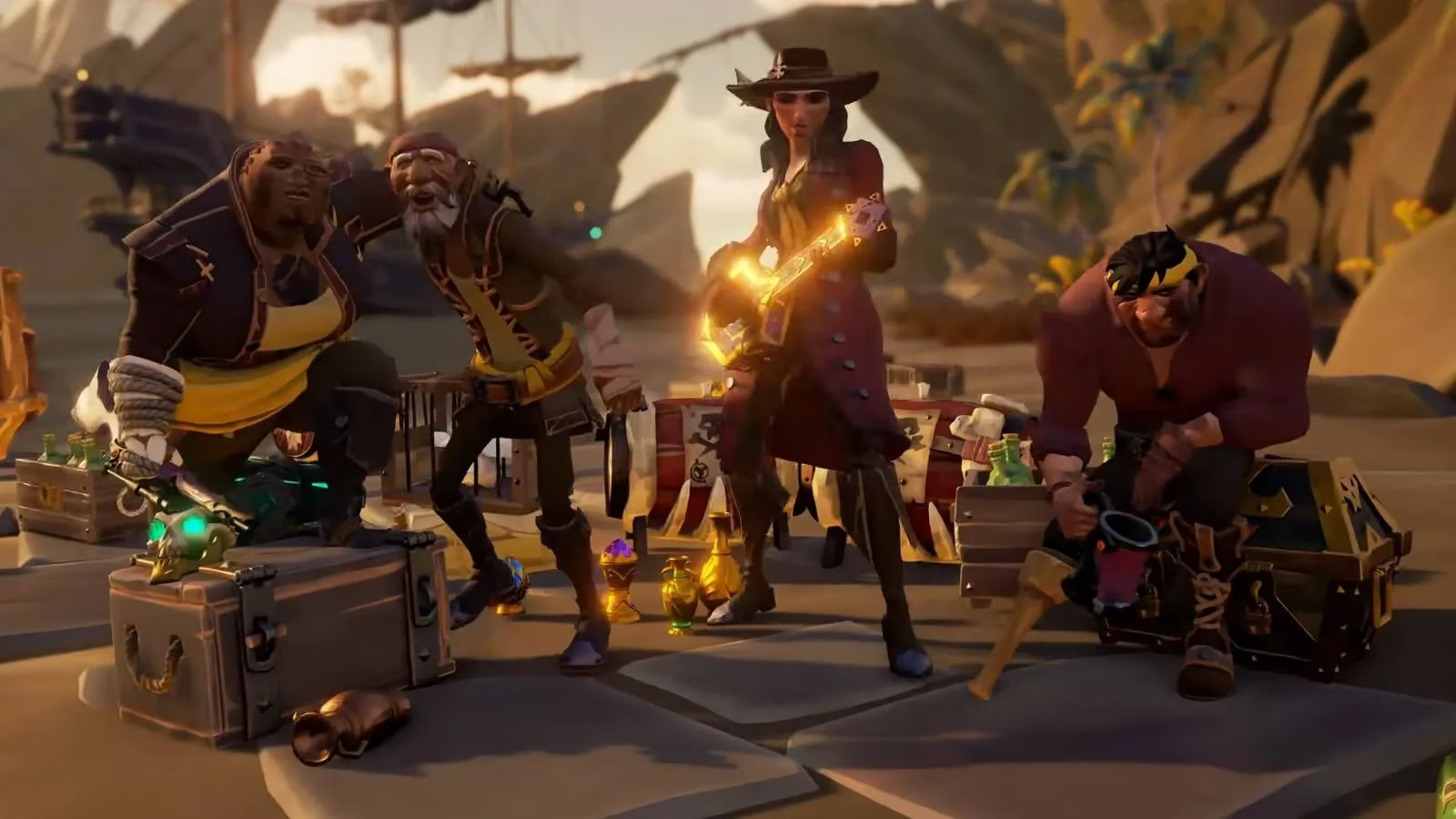
When I first set sail in Sea of Thieves, I was nervous about platform boundaries. In 2026, that fear feels ancient. I can invite a friend on Xbox Series X, another on PC through Steam, and a third on PlayStation 5, and we all end up on the same galleon. The game's cross-platform play has become one of its biggest strengths, especially after Rare brought the pirate adventure to PS5 in 2024. What started as a thin live-service gamble is now a full featured shared world, and the crossplay system is the reason my crew keeps coming back.
The Short Answer: Everyone Can Sail Together
Sea of Thieves supports full crossplay across Xbox One, Xbox Series X|S, Windows 10/11 PC, Steam, and PlayStation 5. The game routes invitations and friends through the Xbox network, so you don't need to run multiple launchers or coordinate separate friends lists. I've had nights where I was on my PC, a crewmate was on PS5, and another was on Xbox Series S, and we all loaded into the same outpost without a hitch. That may sound standard in 2026, but it's still rare for a game with this much platform history.
The crossplay implementation isn't locked behind a beta or a complicated opt-in process. As long as everyone signs in to a Microsoft account and accepts the friend request, you can form a crew from the in-game invite system. This is true even if one person owns the Steam version and another owns the Microsoft Store version.
Cross-Progression Keeps My Pirate Whole
Crossplay is only half the story. Sea of Thieves also supports cross-progression, which means my pirate's gold, reputation, cosmetics, pets, and seasonal rewards follow me between platforms. The feature is tied to your Microsoft account, so I can move from Xbox to Steam and keep my hard-earned ship cosmetics.
However, cross-progression is not the same as cross-buy. I learned this when I bought the game a second time on Steam after playing on Xbox. The game let me carry my progress, but Rare and Microsoft still expect a second purchase if you want access through a different storefront. The exception is Xbox Play Anywhere: if you buy digitally through the Microsoft Store on Xbox or PC, that purchase often covers both platforms. Steam and PlayStation 5 require their own copy.
For my crew, this means we always ask one question before someone buys: where do you plan to play most often? It saves money and avoids the sad moment of discovering you need another license.
What's New in 2026
The crossplay community has grown significantly since the PS5 launch in 2024. The player pool is healthier, matchmaking is faster, and world events feel more alive because you're pulling from all platforms. Rare has continued its seasonal updates, limited-time events, and quality-of-life patches, so every time I return there's some new voyage, cosmetic set, or balance change to explore. In 2026, I don't have to worry about finding a crew because the crossplay ocean is well stocked with pirates.
I also appreciate that the game gives console players a way to opt into a more even playing field. On Xbox, you can enable a matchmaking preference that prioritizes players who are using a controller, which helps if you're worried about facing mouse and keyboard players. The tradeoff is a smaller potential server pool, but it's a useful setting for teaching new players or for relaxed sessions.
My Crew's Setup
Here is how my group usually breaks down:
-
🎮 Xbox Series X: one crewmate using Game Pass
-
💻 PC via Steam: me, with my progress carried from Xbox
-
🖥️ PlayStation 5: one friend who joined after the 2024 port
-
🎮 Xbox Series S: our fourth when schedules align
We all use the in-game voice chat or a platform party system, and I rarely have to think about who is on what hardware. That's the best compliment I can give a crossplay system: it disappears into the background and just lets you be a pirate. One thing I always tell new pirates is to check the matchmaking settings and confirm crossplay is enabled before they create a session. If someone on console has the controller-only preference turned on, they may not see PC players in certain queues. For most people, leaving the default open crossplay setting is the best way to get fast matches and a full ship.